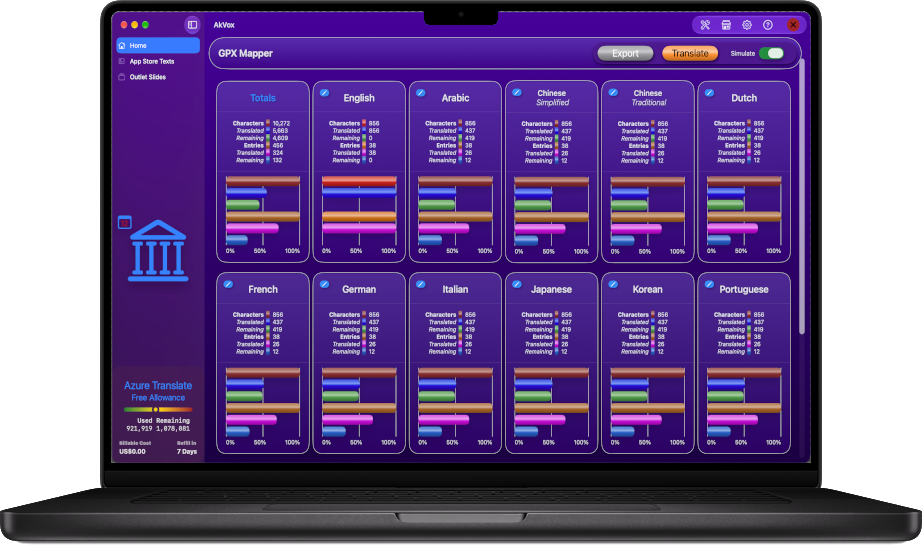
AkVox can be used free of charge for as long as you want. However, the free version does not allow you to use a translation service; it has a translation simulator which generates foreign language texts that appear translated.
AkVox uses the "Bring Your Own Key" model—connect your own Google Cloud Translate or Azure Translator account to perform real translations.
Using your own Google Cloud or Azure account is the most cost-effective approach. Both include generous monthly free tiers—typically 500,000 to 2,000,000 free characters every month.
With BYOK, there are no middleman markups, no subscription tiers for API calls, and your requests remain direct, private, and wholesale.
AkVox translates Subtitles, Promotional Text, Descriptions, What's New notes, and Keywords for App Store Connect. One-click copy buttons streamline pasting directly into your dashboard.
Export your Keynote slides to PowerPoint (.pptx). Drop the file into AkVox to extract, translate, and rebuild localized PowerPoint decks for each language automatically.
The manual copy-paste marathon: open your strings file, copy a line, switch to Google Translate, paste, copy the translation, and paste it back into place across dozens of files. Missed an updated button title? Start the loop again.
Then comes release anxiety: Did an unescaped quote break your build? Did you paste into the wrong line? One misplaced paste turns your localized release into an embarrassing App Store review.
With AkVox, there is no manual copying. Drag and drop your catalogs, click translate, and import clean results back into Xcode:
Common questions about requirements and data storage.